Selection Kit
Version 2 · just shippedThey've run this demo five hundred times. You're doing this once.
You're about to commit six figures over five years to a system your warehouse touches every hour of every shift. You'll decide it in three demos, and the vendors wrote the demos. Everyone in those meetings has done this hundreds of times except the people who have to live with the answer.
This kit is the other side of the table: the requirements to send them, the demo they don't get to script, a scorecard that disqualifies rather than flatters, and a cost model that runs five years instead of one.
One time. Instant download. Money back within 24 hours.
8 files · 216 requirements · 11 scripted demos · 46-page guide
The arithmetic
A bad selection isn't a refund
It's a five-year term with an auto-renewal, an implementation your team paid for in nights and weekends, and a warehouse that quietly went back to running on paper next to the new screens. Nobody writes that number down, which is why it keeps happening.
These are the six patterns behind most of it. They're chapter two of the guide, and every one of them is preventable in the eight weeks before you sign.
01
The integration was assumed
The vendor said they integrate with your ERP. Everyone nodded. Nobody asked which version, who built the connector, what happens when a line is cancelled after release, or who fixes it at 6am.
02
Everything was a Must-have
The team marked 140 of 200 requirements as required. Vendors sensibly said yes to all of them. The scores came out tied, and the decision got made on the demo instead.
03
The warehouse wasn't in the room
IT or finance ran the selection. The system was chosen on reporting and price. The people who use it eleven hours a day saw it for the first time at training.
04
Nobody counted their own hours
The vendor quoted 300 hours of their time. The buyer's team spent 600 hours of theirs, none of it planned, most of it from the two people who also had to keep the warehouse running.
05
Year one was the only year anyone priced
The quote was for year one. The escalator was standard. The term was five years with auto-renewal. The devices needed replacing in year three.
06
The great implementer left
The proposal named a lead with eight go-lives on your ERP. The kickoff introduced someone else. The SOW should name the lead and require your approval to substitute.
What you actually get
The real thing, not a description of it
Every row, question and cost line below is from the files you download. The workbook does its own arithmetic: the requirements count themselves, the scorecard disqualifies a vendor that misses a Must-have, and the cost model adds five years of your own hours to the vendor's quote.
Requirements — 216 rows like these. The counter turns red past 30 Must-haves, because a list where everything is required is a list that decides nothing.
Scorecard Summary — A vendor that misses a single Must-have is disqualified outright, before scores are compared. The gut-check row exists because a scorecard that disagrees with you is telling you something.
TCO Model — 24 cost lines across five years. The ones vendors don't quote are on the model anyway: your own hours, the devices in year three, the productivity dip after go-live.
Scenario 01 · 15 to 20 min
Receive a PO that doesn't match
Receiving is where accuracy starts. This is about what the system does when the truck doesn't match the paperwork, which is most trucks.
Exercises INB-001, INB-002, INB-005, INB-006, INB-007, INB-012, ERP-002
The script
- Scan PO-5001 on the handheld. Show whether expected quantities appear by default, and how that's turned off for a blind receipt.
- Receive line 2 short. Show what the receiver sees, what they have to enter, and where the shortage goes.
- An extra item arrives that isn't on the PO. Receive it. Show where it lands, what status it's in, and whether it can be picked while it sits there.
Ask while you're in it
- If the receiver had scanned the wrong PO, at what point would the system have caught it?
- Who finds out about the short, and how? Show us their screen, not a description of it.
What to watch for — your copy only
- Whether the short and the stray item become visible to someone other than the receiver, without the receiver remembering to say something.
- Whether the stray item is quarantined or quietly on hand.
- Taps and typing per line. Count them.
Scripted Demo Scenarios — the vendor gets the same script and the same questions, ten business days ahead. What stays in your copy is the last box: what a good answer sounds like, and where to score it.
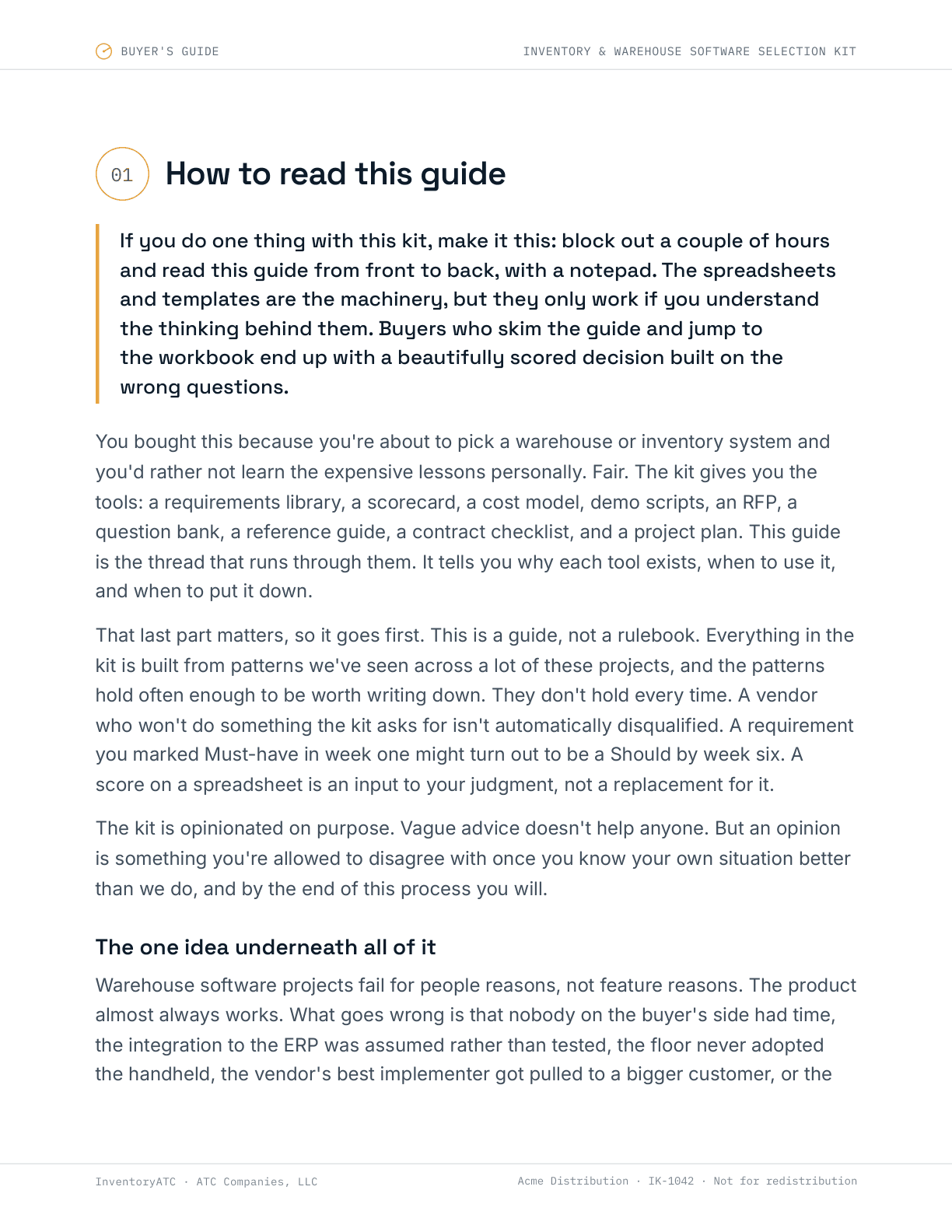
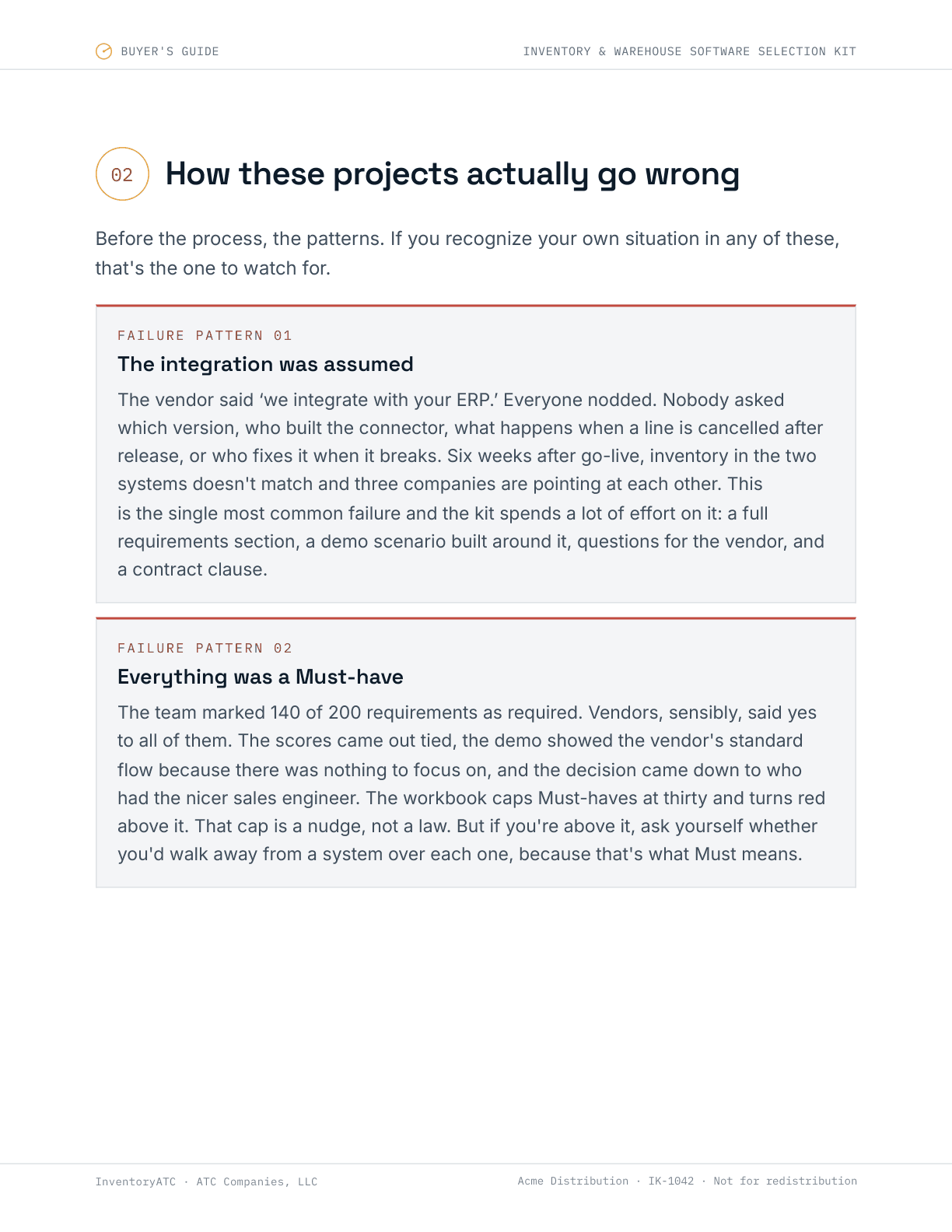
Buyer's Guide — chapters 1 and 2 of 46 pages, actual pages shown.
What changed in version 2
- An ROI calculator in the workbook. Your numbers, not a vendor's, for the conversation where somebody asks what this buys us.
- Two demos instead of one marathon. Six core scenarios for every vendor, then a second session whose agenda you build from what the first one showed you.
- Nothing hidden from the vendor. Version 1 held steps back. Over a video call that just produces “we'd need to configure that”, so the brief now carries every step and your copy keeps the commentary.
- A longer guide. 46 pages, with a real chapter on the first ninety days, because adoption is where more of these go wrong than selection.
Buy it once and you get the next twelve months of this.
Eight files
What's in the download
One zip. Excel and Word files you can edit and send, and a PDF to read first. Everything is licensed to your organization and stamped with your own order number.
Requirements Workbook
Excel, 14 tabsThe spine. All 216 requirements, the vendor scorecard, the five-year cost model, an ROI calculator and a project plan, in one file that does its own arithmetic.
Buyer's Guide
PDF, 46 pagesHow these projects actually go wrong, and what to do at each stage instead. Read this first.
Scripted Demo Scenarios
WordYour working copy of the 11 scenarios, with what to watch for in each answer, how vendors talk their way around them, and where to score.
Vendor Demo Brief
Word, editableThe same scenarios and the same steps, without your commentary and scoring. This is the file you send to vendors.
Full RFP
Word, editableA complete request for proposal you can put your letterhead on, already carrying your requirements.
Short Requirements Request
Word, editableWhen a full RFP is too much ceremony. Two pages that still get you comparable answers.
Question Bank & Reference Guide
WordThe questions worth asking, with what a good answer sounds like and what a dodge sounds like.
Contract & SOW Checklist
WordWhat to fix in the contract before you sign, including the clauses that only matter in year three.
The 15 categories
Inbound Receiving · Inventory Control · Lot, Serial & Expiration · Counting & Replenishment · Allocation & Picking · Packing & Shipping · Kitting & Light Assembly · Returns & RMA · Labeling & Printing · Mobile Devices & Hardware · ERP Integration · EDI, E-commerce & 3PL · Reporting & Analytics · Users, Security & Licensing · Scale, Upgrades & Implementation
Buy this if
- You're replacing or adding warehouse software and keeping the ERP you have.
- You have somewhere between two and a few hundred people touching inventory, across one or several sites.
- You're going to run this selection yourself, and you'd rather not learn the expensive lessons first-hand.
- You've taken one vendor call already and came away unsure whether you were being helped or sold to.
Don't buy this if
- You run one site with 200 SKUs and a paper pick list that works. It works. Keep the $349.
- You've already picked your vendor and want something that agrees with you. This will mostly annoy you.
- You're an enterprise DC with conveyor, automation and a procurement team. You have this covered, and 216 requirements won't be enough.
The kit spends a chapter telling you when to stop and not buy software at all. That advice is worth the same either way.
Who pays me
No vendor pays me anything
No referral fees, no reseller margin, no finder's arrangement with any software company. The kit names no products and recommends no vendor. The only money InventoryATC makes here is this $349 and the optional working session below.
That matters because a referral fee changes the advice whether or not anyone means it to. If I made ten percent on one vendor, you would have to wonder about every requirement on the list. You shouldn't have to wonder.
The kit
$349
One time. Not a subscription.
- All 8 files, downloadable immediately
- 12 months of updates, free
- Licensed to your organization, for your whole team
- An RFP and demo brief you can edit and send as your own
- Money back if you email within 24 hours
The kit, plus my time
$995
One time. Everything above, plus 2 hours with me.
- All eight files, exactly as above
- 2 hours of my time, used however suits you
- A call, a screen share, or written notes on your filled-in workbook
- No expiry — use it when you reach the part you want a second opinion on
Most people don't need this. It earns its money when you've filled the workbook in and hit something you want argued with — a requirement you can't decide the priority of, a quote that doesn't smell right, a shortlist you want pulled apart.
Not ready? Take twelve of the questions.
A dozen questions from the bank, free, no answer guidance attached. Ask every vendor the same ones and the differences show up fast. They're useful whether or not you buy anything.
Questions people actually ask
How long does a selection like this take?+
Fourteen to eighteen weeks from starting the requirements to signing, if you're doing it alongside your day job. The kit includes a project plan with that timeline in it. Anyone promising you six weeks is selling you something.
My ERP partner is helping me. Do I still need this?+
Your ERP partner is usually a reseller for one or two of the systems you're evaluating, which doesn't make them dishonest but does make them interested. Use the kit to ask questions they didn't write. If their recommendation survives it, you'll trust it more.
Does it work with my ERP?+
It's buyer-side and ERP-agnostic — Sage, Acumatica, NetSuite, Dynamics, Epicor, SAP Business One, and others. The requirements don't assume an ERP; they ask each vendor about your specific version, which is where the integration answers usually fall apart.
We've already started. Is it too late?+
No, and this is a common place to buy it. If you're mid-demo, the demo scripts and the question bank are immediately useful. If you have quotes in hand, run them through the cost model before you compare them — that's usually where the ranking changes.
What format are the files?+
One Excel workbook, six Word documents, and a PDF, in a single zip. The RFP, requirements request and vendor demo brief are fully editable so you can put your own letterhead on them and send them. The rest are protected against accidental edits, not against you.
Can my team share it?+
Yes, inside your organization — that's what the license covers. Every file is individually stamped with your organization name and a license code unique to your order, so a copy that turns up outside your company is traceable to it. Redistribution isn't permitted.
What if it isn't useful?+
Email within 24 hours of buying and I'll refund it in full. One condition: a refund ends your licence, so the files have to be deleted and your licence code stops being valid from that point. Every file carries that code, so a refunded copy stays identifiable. The window is short because you can download everything the moment you pay.
What if a file won't open, or my link expires?+
Email support@inventoryatc.com with your order number and we'll sort it out. Download links last 72 hours and we can issue a fresh one at any time. The files themselves are ordinary Excel, Word and PDF, so anything that opens those will open these.
You're running this selection either way.
The only question is whether you run it on their material or yours.
InventoryATC is a practice of ATC Companies, LLC. License terms